
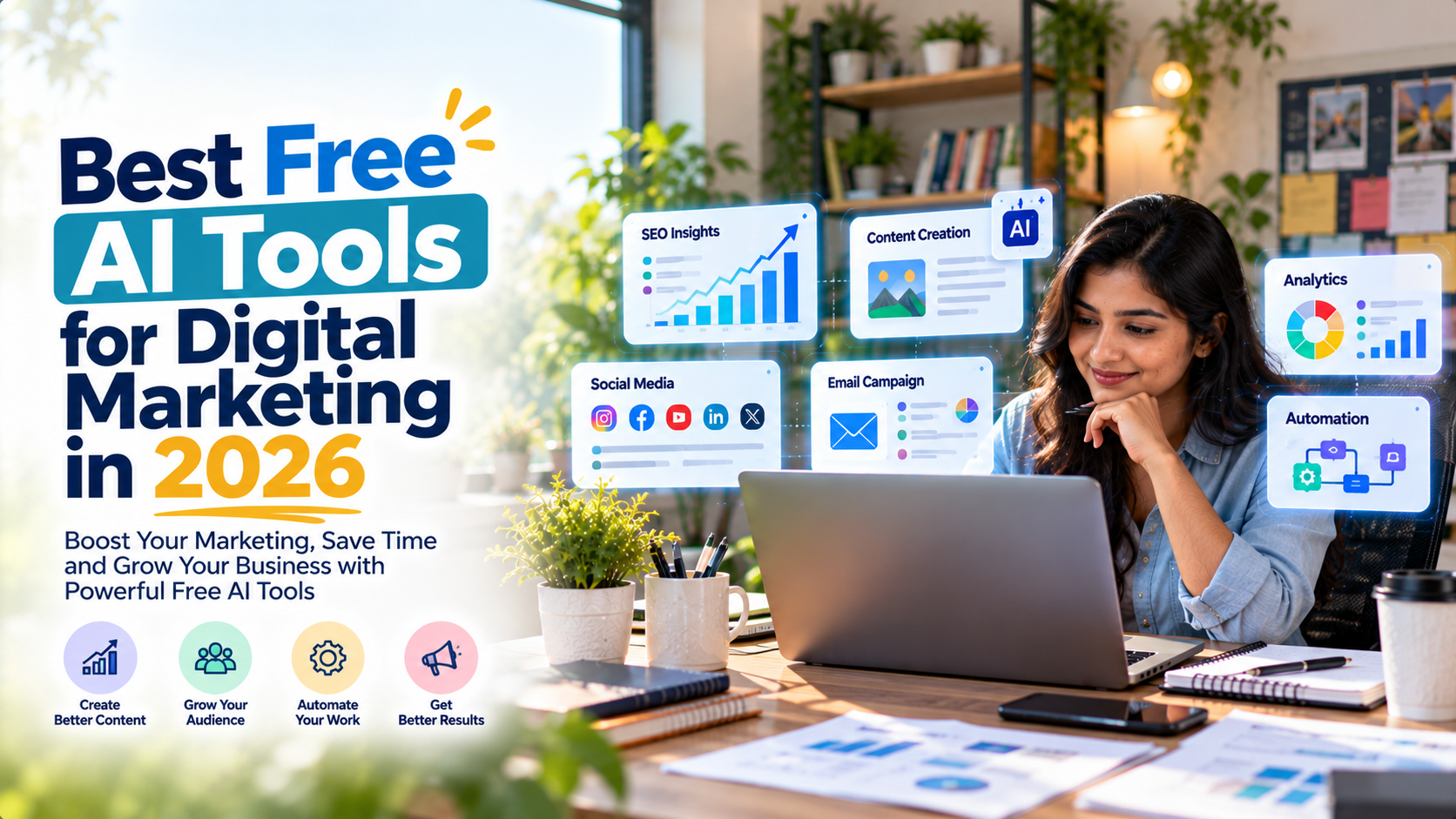
Digital marketing is changing rapidly, and artificial intelligence is making it easier for businesses to create content, improve SEO, manage social media, and generate leads without spending a fortune. Today, free AI tools for digital marketing can help small businesses, freelancers, startups, and marketing agencies save time and build a stronger online presence.
Whether you run a local business in Sonipat, manage a company in Kundli Industrial Area, operate a manufacturing unit in Rai Industrial Area, or serve customers across Panipat, Rohtak, Bahadurgarh, and Delhi NCR, the right AI tools can make your marketing workflow more efficient.
The best part? You do not need an expensive software subscription to get started.
In this guide, we will explore the best free AI tools for digital marketing in 2026, including tools for content writing, SEO, graphic design, social media management, lead generation, and marketing analytics. You will also learn how to combine these tools into a practical marketing strategy.
What Are Free AI Tools for Digital Marketing?
Free AI tools for digital marketing are software applications that use artificial intelligence to simplify marketing activities. They can help businesses research keywords, write blog posts, generate social media captions, create images, analyze website performance, and organize customer leads.
Many platforms offer free plans with limited usage, while others provide core services without a subscription. Some advanced features may require payment, so businesses should check the current plan details before choosing a tool.
For example, a small business can use an AI writing assistant to prepare a blog outline, a design tool to create promotional graphics, and a social media scheduler to plan posts for the coming week.
This approach reduces repetitive work and gives business owners more time to focus on customers, sales, and growth.
Best Free AI Tools for Digital Marketing in 2026
Here are some useful tools to consider based on your marketing requirements.
1. ChatGPT — Best for Content Creation and Marketing Ideas
ChatGPT is a versatile AI assistant that helps marketers brainstorm campaigns, prepare content outlines, draft website copy, create email messages, and generate social media ideas.
Key features:
- Blog outlines, first drafts, and content planning.
- Social media captions and promotional messages.
- SEO-friendly title and meta description ideas.
- Frequently asked questions and content briefs.
- Marketing strategy suggestions for different audiences.
Example use case: A digital marketing agency in Sonipat can use ChatGPT to brainstorm blog topics for local businesses, draft service-page content, and develop social media campaigns for different industries.
Free-plan limitations: ChatGPT offers free access, but certain features—including image generation, file uploads, data analysis, and advanced capabilities—have usage limits that can change.
Best for: Freelancers, content writers, marketing agencies, and small business owners.
Website: https://chatgpt.com/
2. Google Gemini — Best for Research and Content Planning
Google Gemini is an AI assistant that can help marketers brainstorm ideas, summarize information, structure content, and develop campaign concepts.
It is particularly useful when you need to explore a topic before creating a blog post or marketing campaign.
Key features:
- Topic research and brainstorming.
- Blog outlines and content ideas.
- Marketing email and advertisement drafts.
- Content summaries and planning assistance.
- Image generation and editing where available.
Example use case: A manufacturer in Kundli Industrial Area can use Gemini to brainstorm educational blog topics about its products, identify customer questions, and develop ideas for its website content calendar.
Free-plan limitations: Free access is available with a Google Account, but usage allowances and access to particular models or advanced features may vary.
Best for: Business owners, researchers, freelancers, and marketing teams.
Website: https://gemini.google.com/
3. Canva — Best for Graphic Design and Social Media Creatives
Canva helps marketers create attractive graphics without needing professional graphic design skills. Its templates and AI-powered features can support the creation of promotional materials, social media posts, presentations, and marketing visuals.
Key features:
- Social media graphics and promotional banners.
- Posters, presentations, and infographics.
- Brand-focused visual content.
- AI-assisted writing and design features.
- Templates for multiple content formats.
Example use case: A local restaurant in Model Town Sonipat can create promotional offers, festival creatives, and Instagram posts using Canva templates.
Free-plan limitations: Canva Free includes design templates and a limited allowance for certain AI features. Some premium assets, advanced tools, and higher AI usage allowances require a paid plan.
Best for: Small businesses, social media managers, and freelancers.
Website: https://www.canva.com/
4. Google Search Console — Best for SEO Performance Monitoring
Google Search Console is an essential free SEO tool for understanding how a website performs in Google Search. Although it is not primarily a generative AI writing tool, it provides valuable search performance data that marketers can use alongside AI assistants.
Key features:
- Monitor website search impressions and clicks.
- Identify search queries that bring visitors to your site.
- Check indexing and crawling issues.
- Discover pages that need SEO improvements.
- Monitor website search performance over time.
Example use case: A digital marketing agency serving Sonipat and Panipat can review which service pages receive search impressions and use those insights to plan relevant blog content.
Free-plan limitations: Search Console is free, but it does not replace a dedicated AI writing assistant or provide every advanced competitor research feature.
Best for: Website owners, SEO professionals, and digital marketing agencies.
Website: https://search.google.com/search-console/
5. Buffer — Best for Social Media Planning
Buffer helps businesses organize and schedule social media content. Its AI Assistant can support the process of refining captions, repurposing content, and preparing ideas for different platforms.
Key features:
- Social media post scheduling.
- Caption editing and content repurposing.
- Content idea organization.
- Basic performance insights.
- Support for multiple social platforms.
Example use case: A freelancer can prepare a week’s worth of content for a local business, schedule posts, and review performance without manually publishing every update.
Free-plan limitations: Buffer’s published free plan supports up to three channels and ten scheduled posts per channel at a time. Advanced analytics and some management features are available on paid plans.
Best for: Freelancers, solo marketers, and small businesses.
Website: https://buffer.com/
6. HubSpot Free Tools — Best for Lead Generation and Customer Management
HubSpot offers free foundational marketing and customer relationship management tools. These can help businesses capture inquiries, organize contacts, and manage early-stage lead-generation activities.
Key features:
- Contact and customer information management.
- Website forms and lead capture.
- Basic marketing tools and reporting.
- Email marketing capabilities.
- A foundation for organizing sales opportunities.
Example use case: A digital marketing agency can collect inquiries through a website form, organize potential clients, and track which prospects need follow-up.
Free-plan limitations: HubSpot’s free tools have limits on users, contacts, and certain advanced marketing features. Its free CRM is not the same as having unrestricted access to all premium AI and automation features.
Best for: Small businesses, service providers, and agencies focused on lead generation.
Website: https://www.hubspot.com/products/marketing/free
7. Google Trends — Best for Discovering Trending Topics
Google Trends helps marketers explore how search interest changes over time. It is useful for identifying seasonal topics, comparing search interest, and developing content ideas.
It works particularly well alongside AI assistants: use Trends to explore a topic, then use an AI tool to build an outline or brainstorm content angles.
Key features:
- Compare interest in different search terms.
- Explore regional and seasonal trends.
- Identify potential blog and campaign topics.
- Research interest in products and services.
- Support content calendar planning.
Example use case: A local business can explore interest in festive offers, industry products, or seasonal services before planning its next campaign.
Free-plan limitations: Google Trends is free, but it provides normalized search-interest data rather than exact keyword search volumes for every query.
Best for: Content marketers, SEO specialists, and businesses planning seasonal campaigns.
Website: https://trends.google.com/trends/
8. Google Analytics 4 — Best for Website Performance Analysis
Google Analytics 4 (GA4) helps businesses understand how visitors interact with their websites. Marketers can use its reports and insights to evaluate traffic, engagement, and conversions.
Key features:
- Website traffic reporting.
- User engagement analysis.
- Conversion and event measurement.
- Traffic source comparisons.
- Insights into visitor behavior.
Example use case: A service business can track whether visitors arriving from organic search complete an inquiry form or click its contact button.
Free-plan limitations: Standard Google Analytics is available at no charge, but it requires appropriate setup and does not automatically provide every business insight. More advanced reporting and interpretation may require additional tools or expertise.
Best for: Website owners, digital marketing agencies, and businesses focused on measurable growth.
Website: https://analytics.google.com/
9. Grammarly — Best for Editing Marketing Content
Grammarly helps marketers improve written communication by identifying grammar issues, refining sentences, and improving clarity. Its AI writing assistance can also help with rewriting and tone adjustments, depending on the current plan.
Key features:
- Grammar and spelling suggestions.
- Sentence clarity improvements.
- Tone and readability assistance.
- Editing for emails, website copy, and articles.
- AI-assisted rewriting where available.
Example use case: A content writer can review a blog draft before publication or polish a business email before sending it to a prospective client.
Free-plan limitations: Core writing suggestions are available for free, while some advanced rewriting, tone, and generative AI features have separate limits or require a paid plan.
Best for: Content writers, students, freelancers, and business professionals.
Website: https://www.grammarly.com/
10. Microsoft Clarity — Best for Understanding Website Visitors
Microsoft Clarity is a website behavior analytics tool that helps businesses understand how visitors interact with their pages. Features such as heatmaps and session recordings can reveal potential usability issues.
It complements AI tools by providing behavioral evidence that can guide website improvements.
Key features:
- Heatmaps showing where users interact.
- Session recordings for observing visitor journeys.
- Identification of potential usability problems.
- Support for conversion-rate optimization.
- Insights into how people navigate website pages.
Example use case: A business can investigate whether visitors are missing its inquiry form or struggling to navigate its service pages, then improve the page layout.
Free-plan limitations: Clarity is available free, but it is not a complete AI marketing automation platform. It also requires suitable website implementation and careful handling of visitor privacy.
Best for: Website owners, conversion specialists, and digital marketing agencies.
Website: https://clarity.microsoft.com/
Quick Comparison of the Best Free AI Tools for Digital Marketing
| Tool | Best use | Free access |
|---|---|---|
| ChatGPT | Content and marketing ideas | Yes, with usage limits |
| Google Gemini | Research and content planning | Yes, with usage limits |
| Canva | Graphics and creative assets | Yes, with limited AI usage |
| Google Search Console | SEO performance monitoring | Free |
| Buffer | Social media scheduling | Yes, with channel and queue limits |
| HubSpot | Lead management and marketing | Yes, with feature limits |
| Google Trends | Search trend research | Free |
| Google Analytics 4 | Website traffic analysis | Free standard service |
| Grammarly | Grammar and writing improvement | Yes, with advanced feature limits |
| Microsoft Clarity | Website behavior analysis | Free |
Free-plan features and limits can change. Check each provider’s official website before building your workflow around a specific allowance.
How to Choose the Right Free AI Tools for Digital Marketing
Choosing the right tools depends on your business goals, team size, and current marketing challenges.
What are the best free AI tools for content creation?
Start with ChatGPT or Google Gemini for brainstorming, outlining, and drafting. Use Grammarly to review clarity and grammar before publishing.
For stronger results, add your business expertise, original examples, and verified information instead of publishing AI-generated text without review.
Which free AI tools are best for SEO?
Use Google Search Console to understand your existing search performance and Google Trends to explore topic interest. An AI assistant can help organize keyword ideas, prepare outlines, and identify questions to address in your content.
Remember that AI-generated keyword suggestions are hypotheses, not proof of search volume or ranking difficulty. Validate important terms before prioritizing them.
Which free AI tools are best for social media marketing?
Canva is useful for creating visual content, while Buffer can help organize and schedule posts. ChatGPT or Gemini can help generate caption variations, content ideas, and calls to action.
A consistent publishing schedule with relevant content is generally more useful than producing large amounts of repetitive posts.
Which free AI tools help generate business leads?
HubSpot’s free tools can help organize contacts and capture inquiries. Google Analytics 4 can help measure conversions, while Microsoft Clarity can reveal potential obstacles on your website.
For lead generation, focus on the complete journey: attract the right visitors, give them a useful reason to contact you, and make it easy to submit an inquiry.
How Local Businesses in Sonipat and Delhi NCR Can Use AI Marketing Tools
Local businesses can combine free AI tools with a location-focused digital marketing strategy to reach relevant customers.
For example:
- Sonipat and Model Town Sonipat: Create useful service pages, customer FAQs, and social media content for local audiences.
- Sector 7, Sector 12, Sector 14, Sector 15, and Sector 23 Sonipat: Develop relevant location-specific content when your business genuinely serves these areas.
- Rai Industrial Area, Kundli Industrial Area, and Barhi Industrial Area: Publish industry-specific content that answers the questions of manufacturers, suppliers, and business buyers.
- IMT Kharkhoda and Kharkhoda: Build a content strategy around relevant industrial, commercial, and professional services.
- Panipat, Rohtak, Murthal, Ganaur, and Sampla: Create useful regional landing pages and campaigns based on actual customer needs.
- Bahadurgarh, Narela, Bawana, and Delhi NCR: Use audience-specific content and targeted campaigns to reach potential customers across nearby business markets.
Avoid creating dozens of nearly identical location pages just to repeat city names. Each page should offer genuinely useful local information, relevant services, and a clear reason for the visitor to get in touch.
A Simple Free AI Marketing Workflow for Small Businesses
You do not need to use all ten tools. Start with a small collection that addresses your most important needs.
Step 1: Research your audience. Use Google Trends and your existing customer questions to identify relevant topics.
Step 2: Plan your content. Use ChatGPT or Gemini to brainstorm blog topics, create outlines, and develop social media ideas.
Step 3: Create your visuals. Use Canva to design social graphics, promotional banners, and blog images.
Step 4: Publish consistently. Use Buffer to plan your social media calendar and schedule posts.
Step 5: Capture inquiries. Use appropriate website forms and HubSpot’s free tools to organize leads.
Step 6: Measure results. Use Google Search Console and GA4 to evaluate search performance, website traffic, and conversions.
Step 7: Improve the process. Use Microsoft Clarity to investigate potential website usability issues and make changes based on evidence.
Review the results regularly. Keep the tools that save time or improve measurable outcomes, and replace those that add complexity without meaningful value.
Common Mistakes to Avoid When Using Free AI Marketing Tools
Even the best free AI tools for digital marketing cannot replace a clear strategy or accurate information.
Avoid these common mistakes:
- Publishing unedited AI content: Verify facts, improve originality, and add practical experience.
- Ignoring search intent: Make sure your content answers the question the visitor actually has.
- Overusing keywords: Use primary and related terms naturally rather than repeating the same phrase excessively.
- Expecting instant rankings: SEO takes time and depends on competition, content quality, technical factors, and other signals.
- Ignoring conversion tracking: Website traffic alone does not tell you how many qualified inquiries your marketing generates.
- Overlooking free-plan restrictions: Check usage caps, export options, branding requirements, and paid-only features.
- Sharing confidential information: Avoid entering sensitive customer details or business information into AI tools unless your privacy and security requirements are satisfied.
The best approach is to use AI to improve your process while keeping human judgment, brand consistency, and customer needs at the center of your marketing.
Why Digital Marketing Services Still Matter
Free AI tools can help businesses create content, plan campaigns, and analyze basic performance. However, getting consistent business results often requires more than access to software.
A successful digital marketing strategy may involve technical SEO, competitor research, conversion-focused landing pages, Google Business Profile optimization, content planning, paid advertising, and ongoing performance measurement.
If you are a small business owner or freelancer in Sonipat, Panipat, Rohtak, Bahadurgarh, or Delhi NCR, choose your marketing tools based on your actual goals rather than trying every new platform.
At Digigyapan, you can explore digital marketing services and discuss a strategy suited to your business requirements.
Visit https://digigyapan.in/ to learn more and get in touch about your digital marketing goals.
Frequently Asked Questions
1. What are the best free AI tools for digital marketing in 2026?
Some useful options are ChatGPT and Google Gemini for content planning, Canva for design, Google Search Console for SEO monitoring, Buffer for social media scheduling, and HubSpot for lead management. The best choice depends on your goals and the limits of each free plan.
2. Can I do digital marketing for free using AI tools?
Yes. You can start with free tools for content creation, basic design, search performance monitoring, social media scheduling, and website analytics. However, you may still need to invest in advertising, hosting, premium software, or professional services as your business grows.
3. Which free AI tool is best for SEO?
Google Search Console is an excellent free starting point for monitoring your website’s performance in Google Search. Google Trends helps explore search interest, while ChatGPT and Gemini can assist with content outlines and keyword brainstorming.
4. Which AI tool is best for social media marketing?
Canva is useful for creating social media graphics, Buffer helps schedule posts, and AI assistants such as ChatGPT can generate caption ideas. Combining them can simplify content creation and publishing.
5. Are free AI marketing tools suitable for small businesses?
Yes. Small businesses can use free AI tools to reduce repetitive work, improve content planning, and monitor basic marketing performance. Start with a few tools and upgrade only when you need features that justify the cost.
6. Can AI tools help local businesses in Sonipat get more customers?
AI tools can support local SEO content, social media campaigns, website improvement, and lead tracking. Results depend on the quality of your strategy, local relevance, competition, website experience, and how effectively you convert inquiries into customers.
7. Do free AI tools replace digital marketing agencies?
No. Free AI tools assist with specific tasks, but they do not automatically replace strategic planning, technical implementation, campaign management, and performance optimization. Businesses that need expert support can combine AI tools with professional digital marketing services.
8. How can I get digital marketing services in Sonipat?
Visit Digigyapan at https://digigyapan.in/ to explore the available services and contact the team to discuss your business objectives, target audience, and marketing requirements.
Final Thoughts
The best free AI tools for digital marketing in 2026 are the ones that solve real business problems without creating unnecessary complexity.
Start with an AI assistant for content, Canva for visuals, Google Search Console for SEO, Buffer for scheduling, and analytics tools to measure performance. Add lead-management software when you need a more organized process for handling inquiries.
For businesses in Sonipat and the wider Delhi NCR region, combine these tools with useful local content, a well-structured website, and a clear conversion strategy.
AI can help you work more efficiently, but consistent execution, relevant content, and a strong understanding of your customers are what turn marketing activity into business growth.